Support & Resources
Tutorials, documentation, community support, and answers to common questions.
Video Tutorials
Step-by-step video guides covering setup, crowd editing, and advanced features.
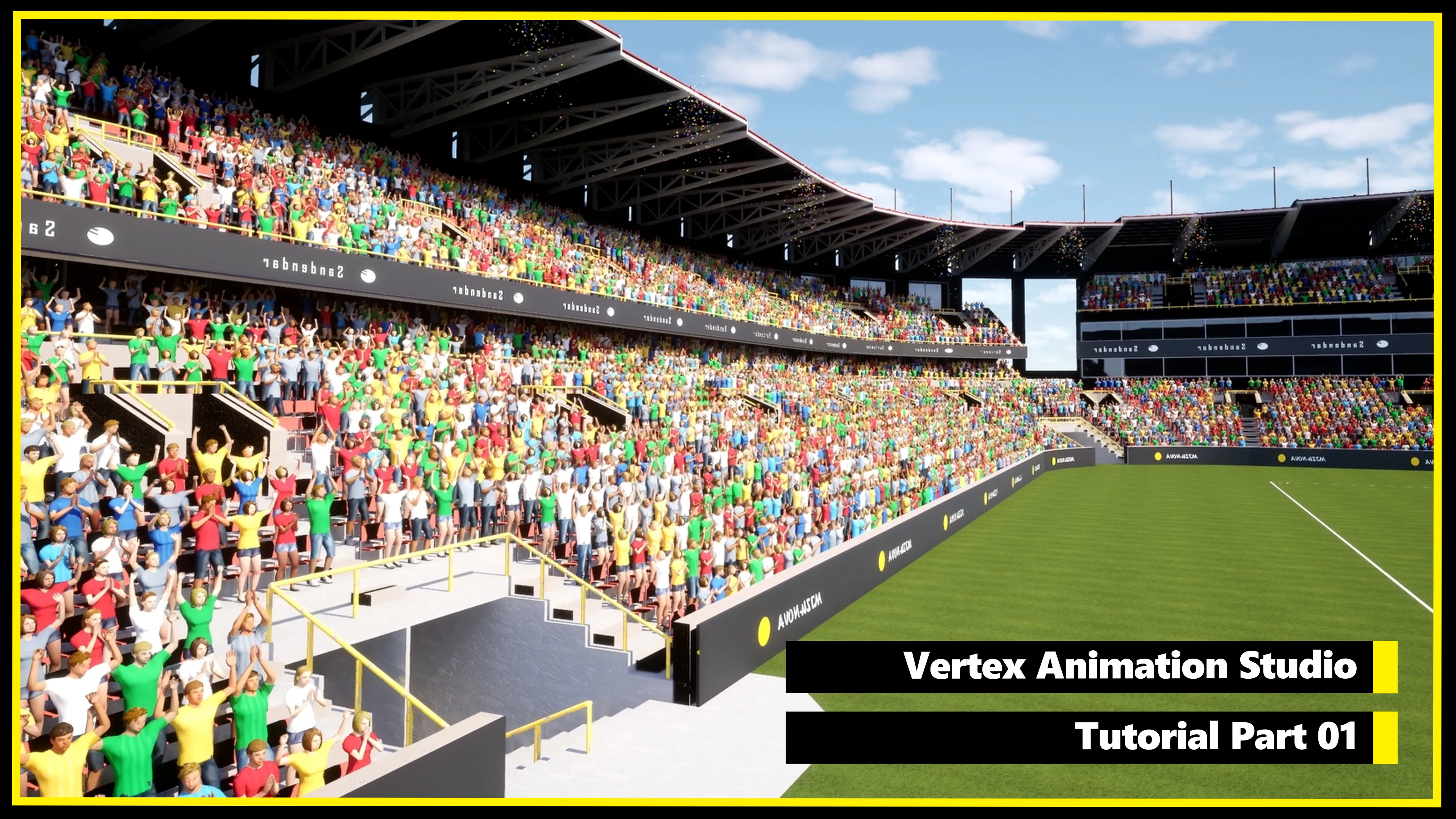
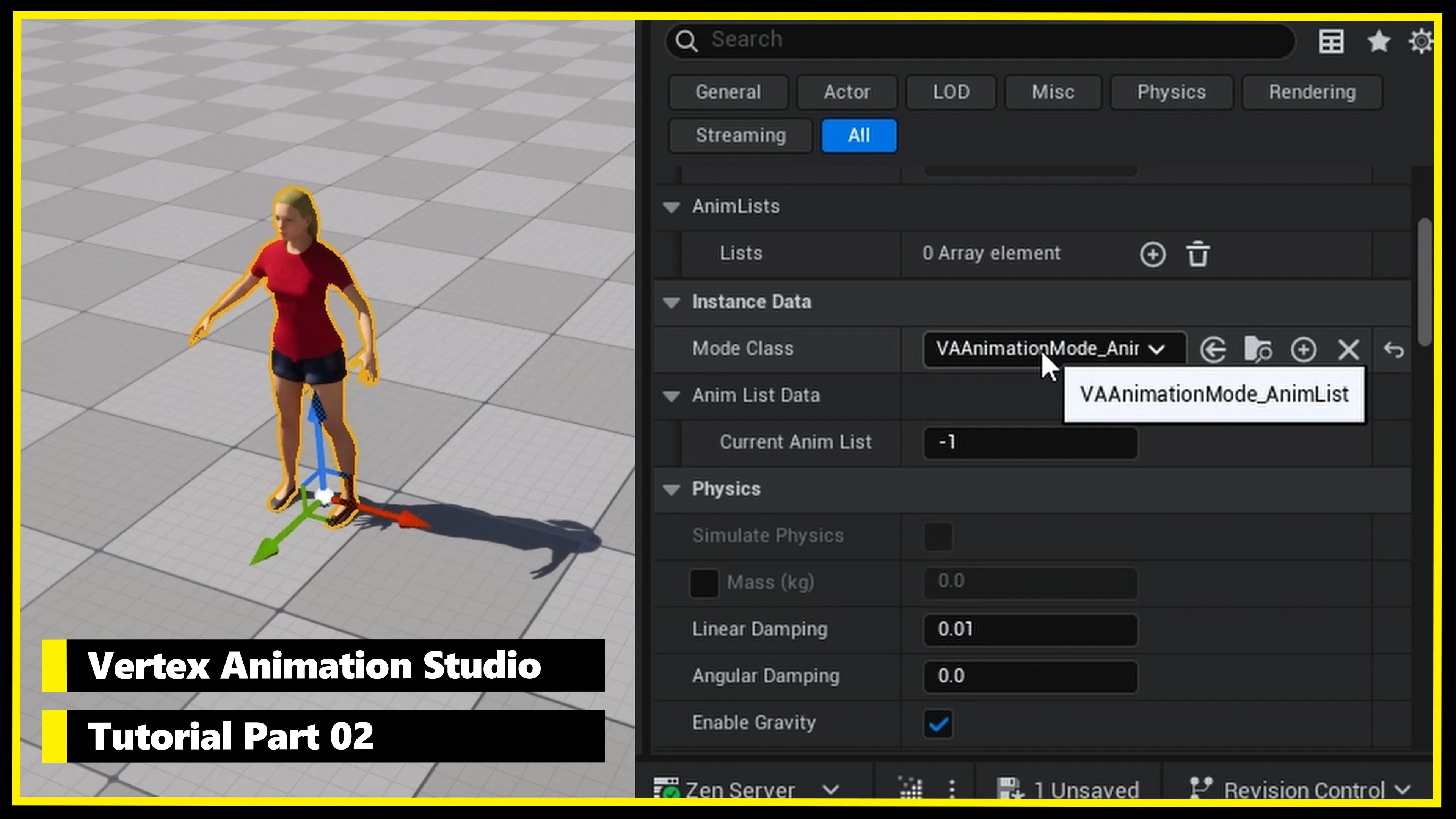
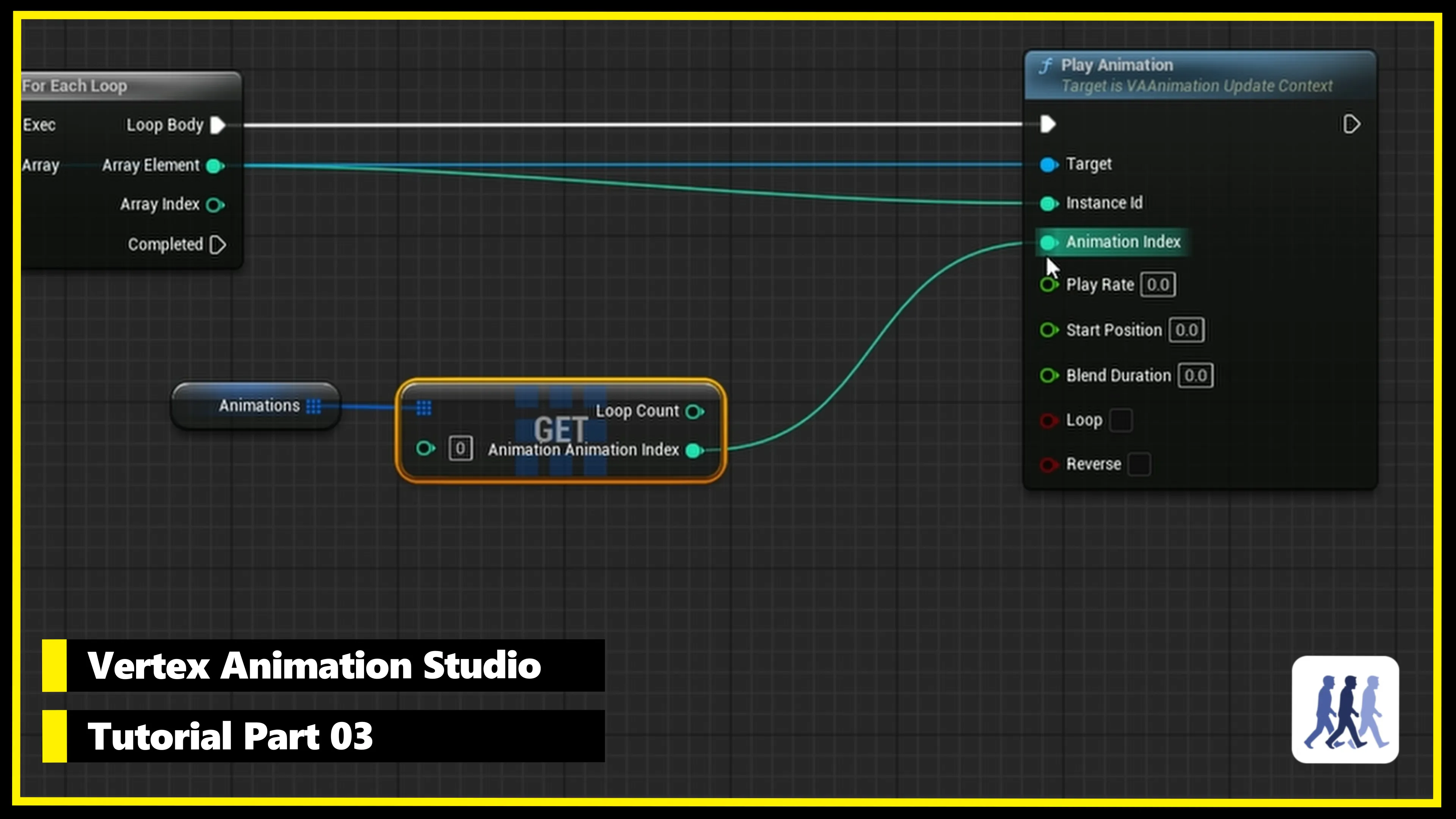
Join the Community
Get help, share your creations, and connect with other developers.
Join Discord ServerFrequently Asked Questions
How is vertex animation different from skeletal animation? +
Skeletal animation deforms a mesh by transforming a bone hierarchy on the CPU each frame. Vertex animation bakes the per-frame vertex positions into a texture, a Vertex Animation Texture or VAT, that plays back entirely on the GPU. Skeletal is the right tool for gameplay characters that need bone control, IK, or runtime retargeting. Vertex animation is the right tool for crowds, ambient NPCs, and anywhere you want thousands of instances playing baked animations. Concretely: in a stadium scene, VAS renders 10,000+ animated characters at 60 FPS where 200 skeletal meshes drop to ~15 FPS. Full comparison here.
What version of Unreal Engine is supported? +
Vertex Animation Studio supports Unreal Engine 5.5 and later.
What platforms are supported? +
Windows, Android, iOS, VR, Xbox, and PlayStation. The plugin is compatible with Nanite, Lumen, TSR, and World Partition.
How many animated characters can I render? +
We've tested up to 100,000+ instances with satisfying framerates. A typical scene with 10,000 vertex animated characters runs at 60 FPS, compared to ~15 FPS with just 200 skeletal meshes.
Do I need to modify my existing animations? +
No. The plugin converts your existing skeletal mesh animations into Vertex Animation Textures (VAT) automatically. Your original assets remain untouched.
Can I control animations at runtime through Blueprints? +
Yes. The plugin provides a full Blueprint API for playing animations, creating animation lists, handling crowd events, and setting per-instance custom data.
Is Sequencer integration available? +
Yes, Sequencer integration is available as an experimental feature. You can add VA animation tracks to the Sequencer timeline for cinematic control.
Where can I get help if I'm stuck? +
Join our Discord community for direct support, or check the documentation and troubleshooting guide.