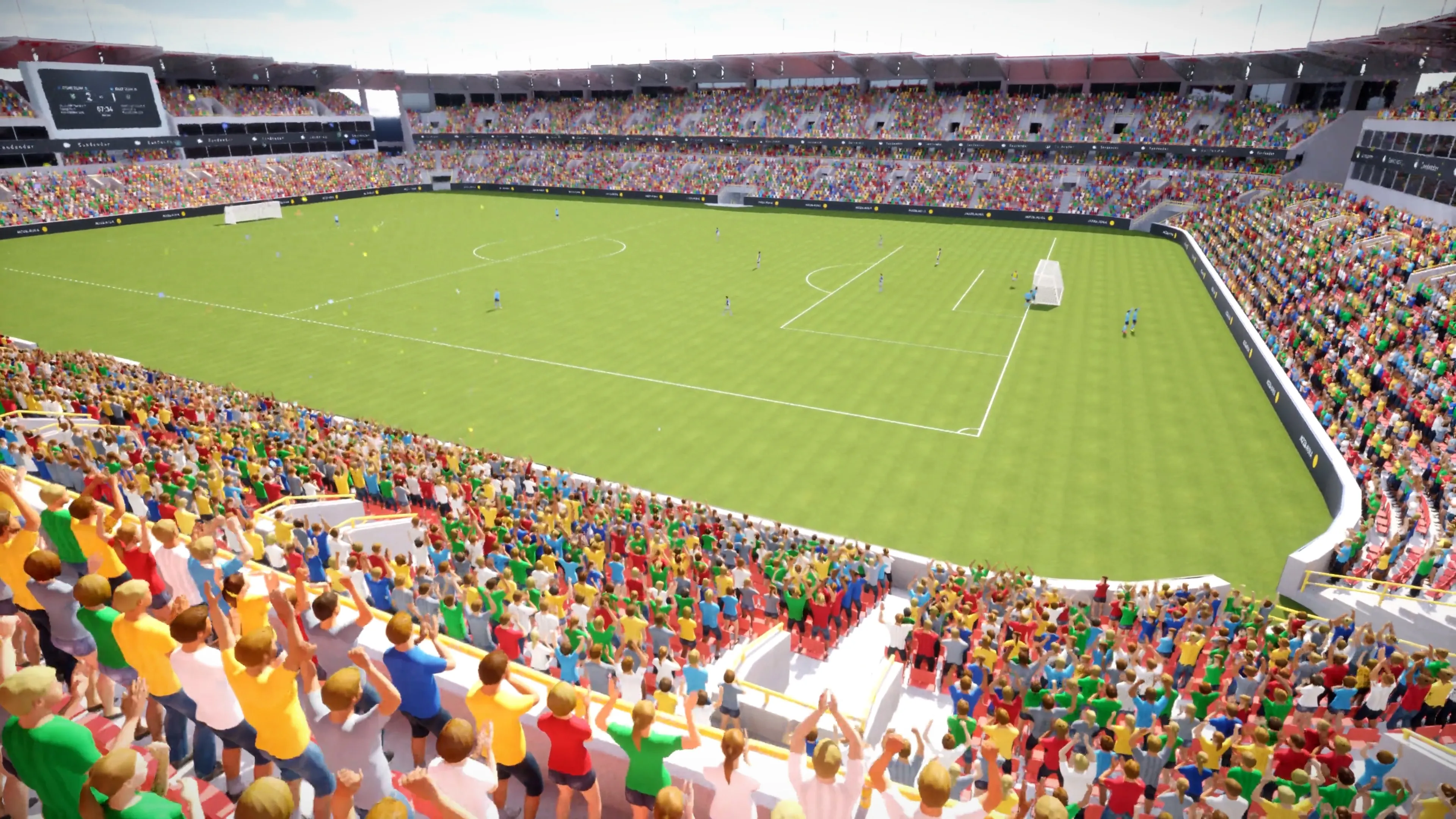
Vertex Animation vs Skeletal Animation in Unreal Engine 5
Both animate a character. They pay for it in completely different places. Skeletal animation spends CPU time per character, every frame. Vertex animation spends texture memory once and then hands playback to the GPU.
That single difference decides which one you want. Below is how each works, what the swap actually costs you, and where the line sits.
Skeletal animation
A bone hierarchy drives the mesh. Every frame, the CPU evaluates that hierarchy for each character, then skins the vertices to the result. Because the work is live, you can reach in and change it: IK, physics, retargeting, blending between clips.
The cost is that every extra character pays the full price again. Two hundred of them is two hundred bone hierarchies per frame.
Vertex animation (VAT)
The animation is baked ahead of time into a Vertex Animation Texture. Each frame of movement becomes pixel data. At runtime the material reads that texture and moves the vertices on the GPU. There is no bone hierarchy left to evaluate.
Because nothing is computed per character, instances render together through hierarchical instancing. Ten thousand characters cost far less than ten thousand times one.
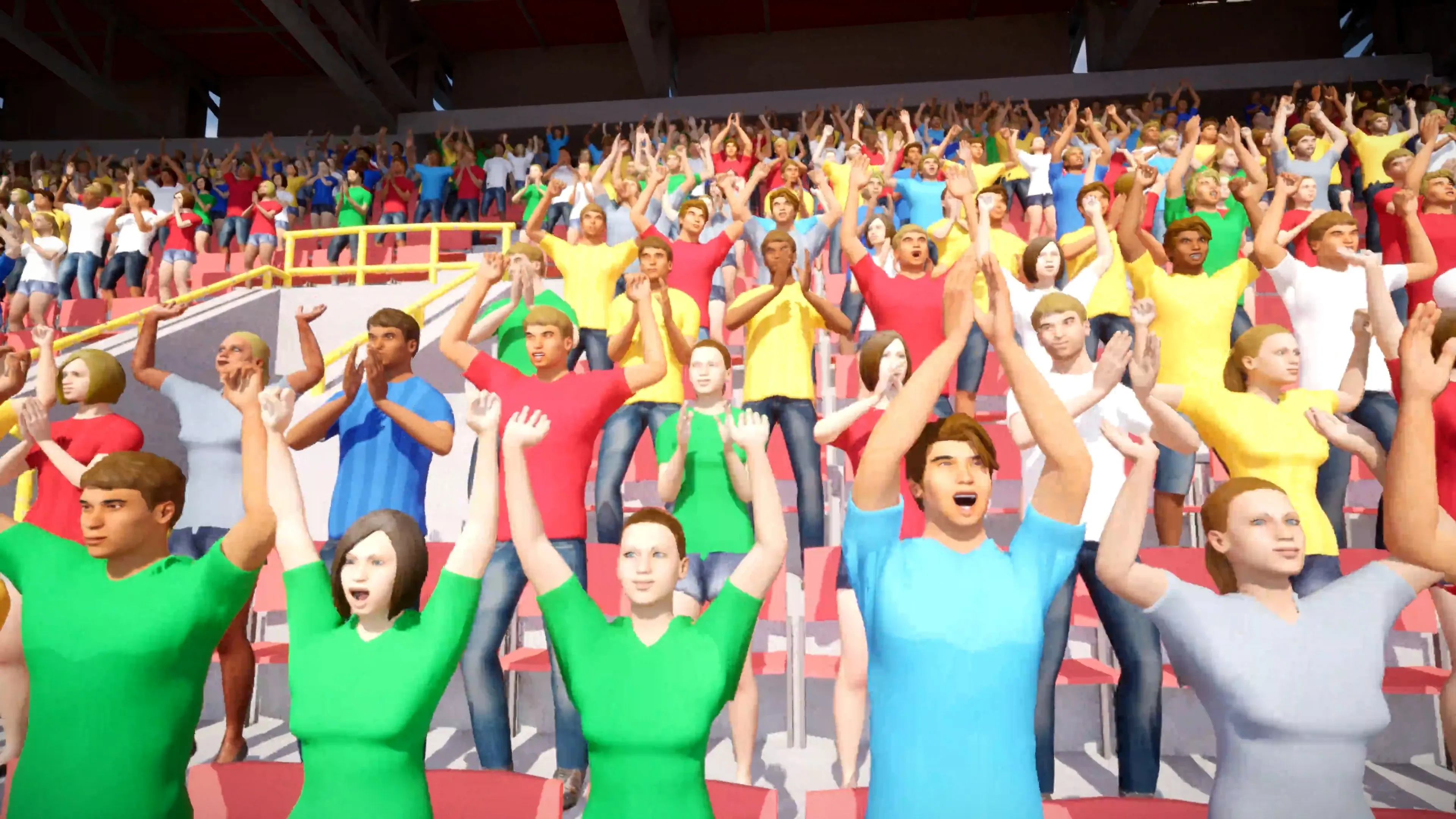
Performance That Speaks for Itself
200 Skeletal Meshes
15 FPS
10,000 Vertex Animated
60 FPS
Tested up to 100,000+ instances with satisfying framerates
Side by side
| Skeletal animation | Vertex animation | |
|---|---|---|
| Where the work happens | CPU evaluates the bone hierarchy every frame, per character | GPU samples a baked texture. No per-frame bone evaluation |
| Cost per extra character | Grows with every instance. Each one pays full animation cost | Close to flat. Instances share one draw call through HISM |
| Runtime bone control | Full control. IK, physics, retargeting, procedural adjustment | None. The animation is baked at build time |
| Blending between animations | Anim graph blending, state machines, layered blends | Switch between baked clips. No per-bone blending |
| Memory profile | Light on texture memory, heavy on CPU time | Heavier on texture memory, light on CPU time |
| Best suited to | Player characters, key NPCs, anything gameplay reacts to | Crowds, stadium audiences, ambient background characters |
Which one should you use?
Stay on skeletal when
- The character is the player, or gameplay reacts to it
- You need IK, ragdoll, or physics on the skeleton
- Animations blend continuously rather than switching
- You retarget or adjust animation at runtime
- There are only a handful of them on screen
Switch to vertex animation when
- You need hundreds or thousands of characters at once
- The animation is ambient and loops or cycles
- Nobody is going to inspect a background NPC closely
- Frame rate is the constraint, not texture memory
- You are targeting mobile, VR, or console headroom
Most projects use both. Skeletal for the characters that matter, vertex animation for the crowd behind them. They render side by side in the same level.
What you give up
Baking is a one-way door for that clip. Once the animation is in a texture there is no skeleton left to drive, so IK, physics and per-bone blending are gone. If a background character suddenly needs to react to gameplay, it needs to be a skeletal mesh.
You also move the cost rather than delete it. Vertex positions have to live somewhere, and that somewhere is texture memory. Vertex Animation Studio offers a bone animation mode that stores bone transforms instead, which uses less memory and lets animations be shared between meshes, at slightly higher material cost.
There is a hard ceiling worth knowing before you start. Vertex count multiplied by frame count has to fit inside an 8192 by 8192 texture. Dense meshes with long animations need decimating or splitting first. The troubleshooting guide covers how to work around it.
Common questions
What is the difference between vertex animation and skeletal animation? +
Skeletal animation deforms a mesh by transforming a bone hierarchy on the CPU each frame. Vertex animation bakes the per-frame vertex positions into a texture, a Vertex Animation Texture or VAT, that plays back entirely on the GPU. Skeletal is the right tool for gameplay characters that need bone control, IK, or runtime retargeting. Vertex animation is the right tool for crowds, ambient NPCs, and anywhere you want thousands of instances playing baked animations.
Is vertex animation faster than skeletal animation? +
For large numbers of characters, yes, and the gap widens as the count grows. Skeletal animation pays a CPU cost for every instance because each one evaluates its own bone hierarchy every frame. Vertex animation moves that work to the GPU as a texture lookup, so instances render together. In a stadium scene, Vertex Animation Studio renders 10,000 vertex animated characters at 60 FPS, where 200 skeletal meshes drop to roughly 15 FPS. For a single hero character, skeletal animation is not the bottleneck and the comparison does not matter.
What are the trade-offs of vertex animation? +
The animation is baked, so you give up runtime bone control. No IK, no physics on the skeleton, no per-bone blending, and no retargeting after the bake. You also trade CPU time for texture memory, because the vertex positions have to live somewhere. There is a hard ceiling too: vertex count multiplied by frame count has to fit inside an 8192 by 8192 texture, so very dense meshes with very long animations need to be split or decimated.
Can I use both in the same project? +
Yes, and most projects should. Keep skeletal meshes for the player and any character gameplay reacts to, then convert the background crowd to vertex animation. The two render side by side in the same level with no special setup.
Do I have to rebuild my animations to use vertex animation? +
No. Vertex Animation Studio converts existing skeletal mesh animations into Vertex Animation Textures with a right-click. Your original skeletal assets stay untouched, so you can go back or keep using them elsewhere in the project.
What is the difference between bone animation and vertex animation mode? +
Vertex Animation Studio can bake in two modes. Bone animation stores bone transforms, which lets animations be shared between meshes and keeps texture memory lower. Vertex animation stores the vertex positions directly, which lowers material cost and gives the highest frame rate, but the result is unique per mesh and needs larger textures. Use bone mode when memory matters or you want to reuse animations, and vertex mode when you want maximum FPS in crowd scenes.
Try it on your own characters
Vertex Animation Studio converts skeletal mesh animations to VAT with a right-click, then gives you a crowd editor to place them. Read the getting started guide or see what the plugin does.
Download the free demoStop buying multiple VAT plugins hoping one will work.
Get Vertex Animation Studio on FAB →